
Unlock Your Gift Card Potential
Redeem Your Gift Cards Effortlessly
Welcome
Thank you for joining the North La Crosse Business Association’s Gift Card program, made possible through COVID recovery funds (ARPA) through the City of La Crosse. Our gift-card partner, SwipeIt, will receive your information and set up your online account to redeem gift cards through your business. This will include a merchant ID and password.
GET STARTED: Two Ways to Redeem Cards
Your method was selected by your employer / business at the time of signup.
How to Set Up Your Account
NOTE
You will want to create a payment method that shows the payment was made using the NLBA gift card. This will allow you to reconcile your drawer at the end of the day.
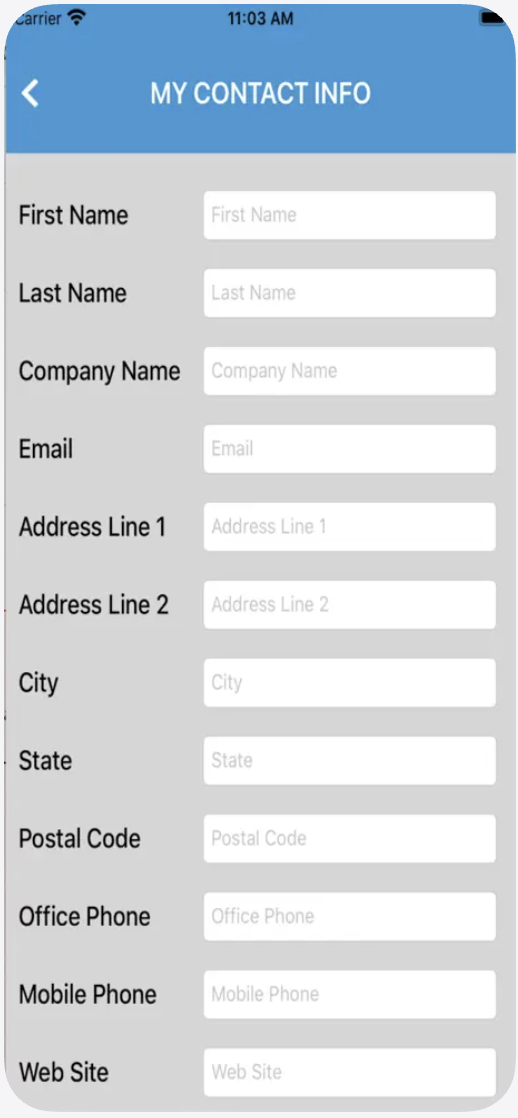
Step 1: Fill in Your Company Information
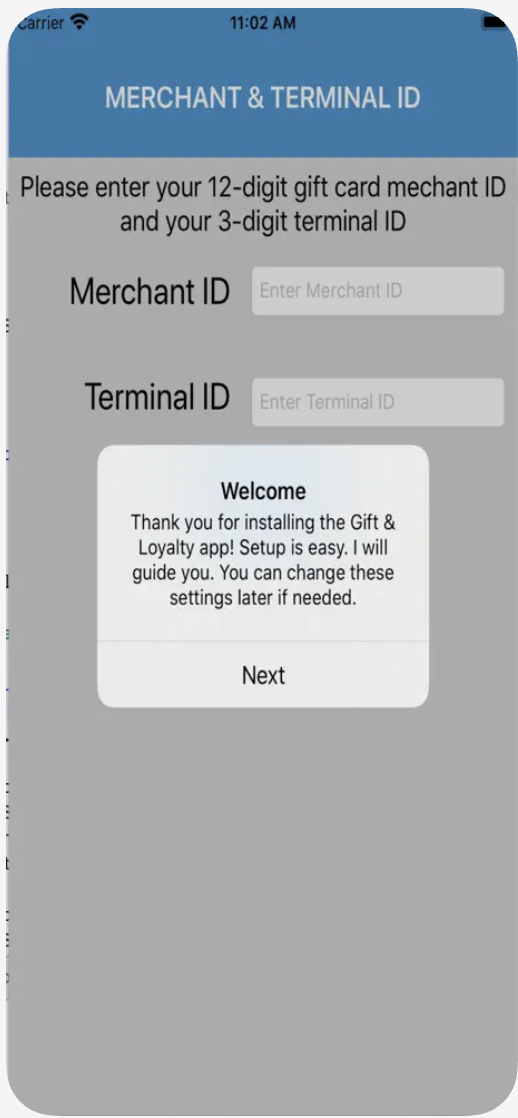
Step 2: Provide the info provided to you by NLBA / Swipe It (our vendor)
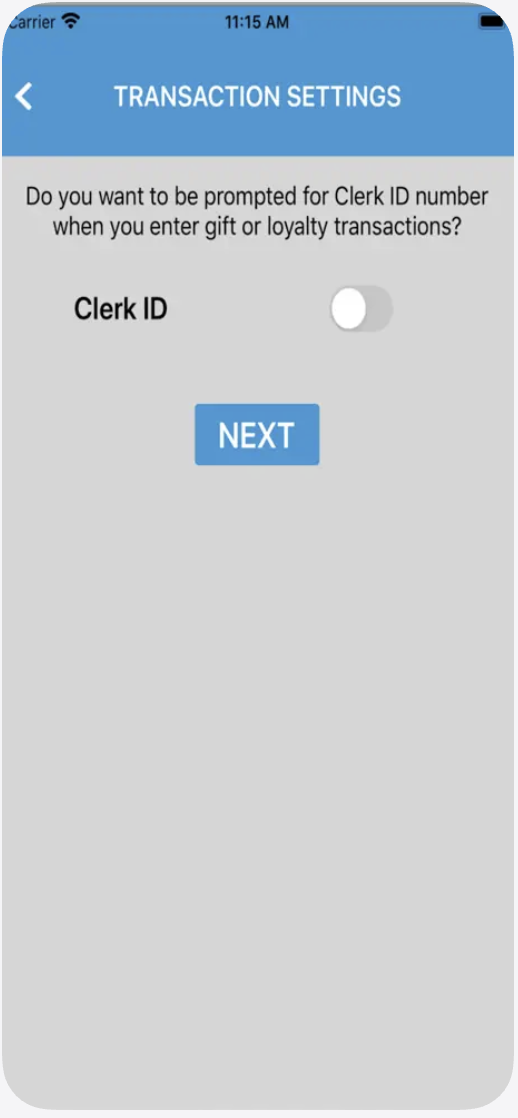
Step 3: Decide if you want a different Clerk # for each employee entering information, for your own tracking purposes.
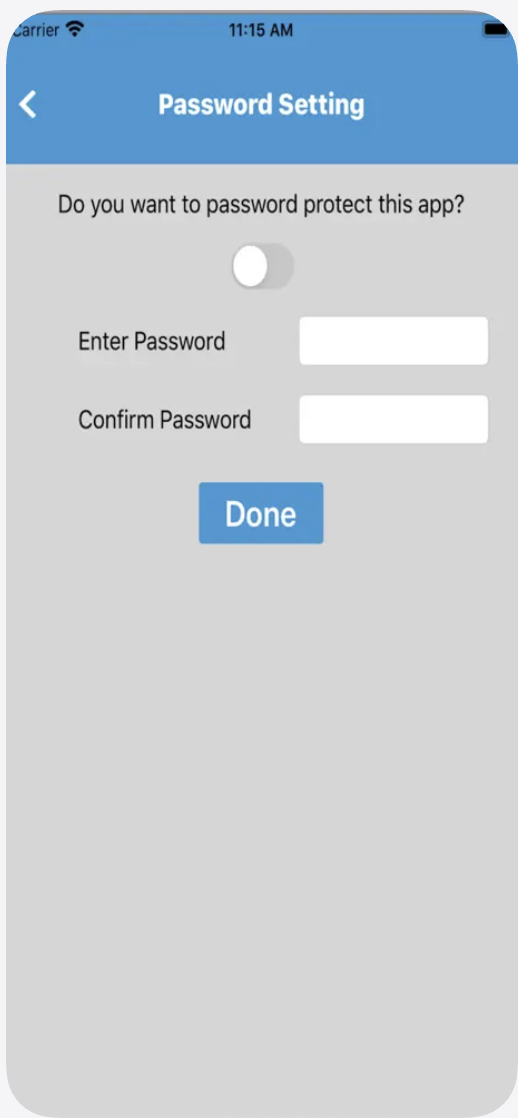
Step 4: You pay choose to further password protect your account.
How to Redeem a Card
Step 1 (App): In the Gift & Loyalty App, enter your merchant and Terminal IDs. Enter your Clerk ID if requested (would have been set up by your employer)
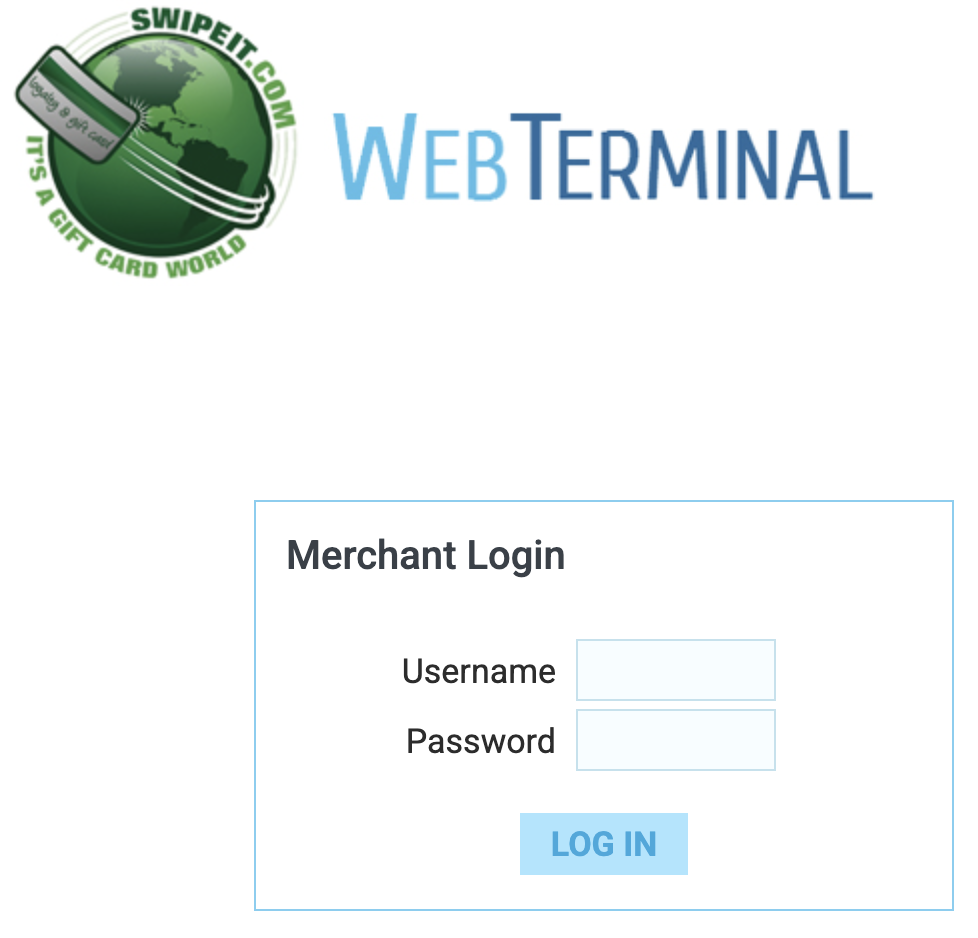
Step 1 (Website): Log in>> using your Username and Password
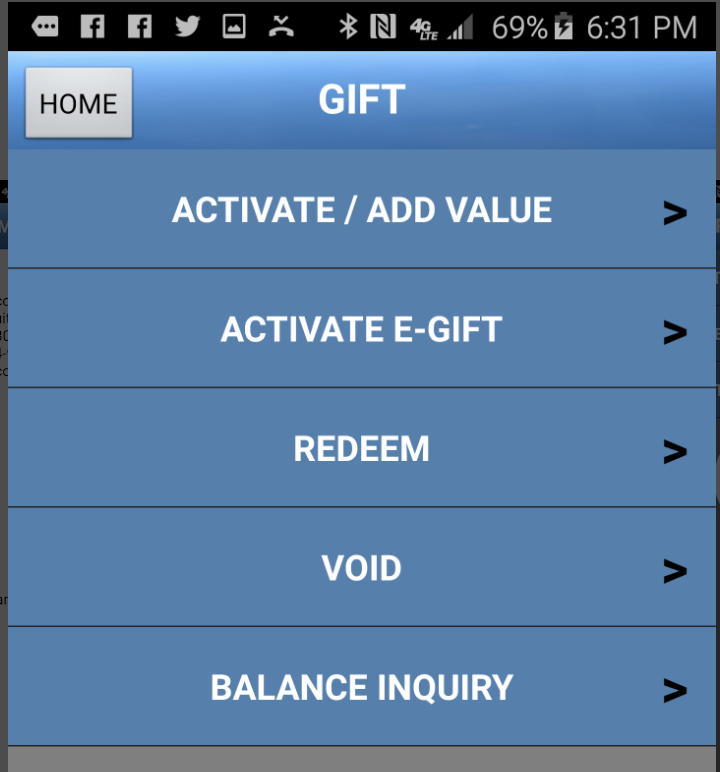
Step 2: Select “Redeem”
NOTE: you can also void a prior transaction from the same day or check someone’s balance. You will only be able to Activate cards if your employer signed you up for this option.
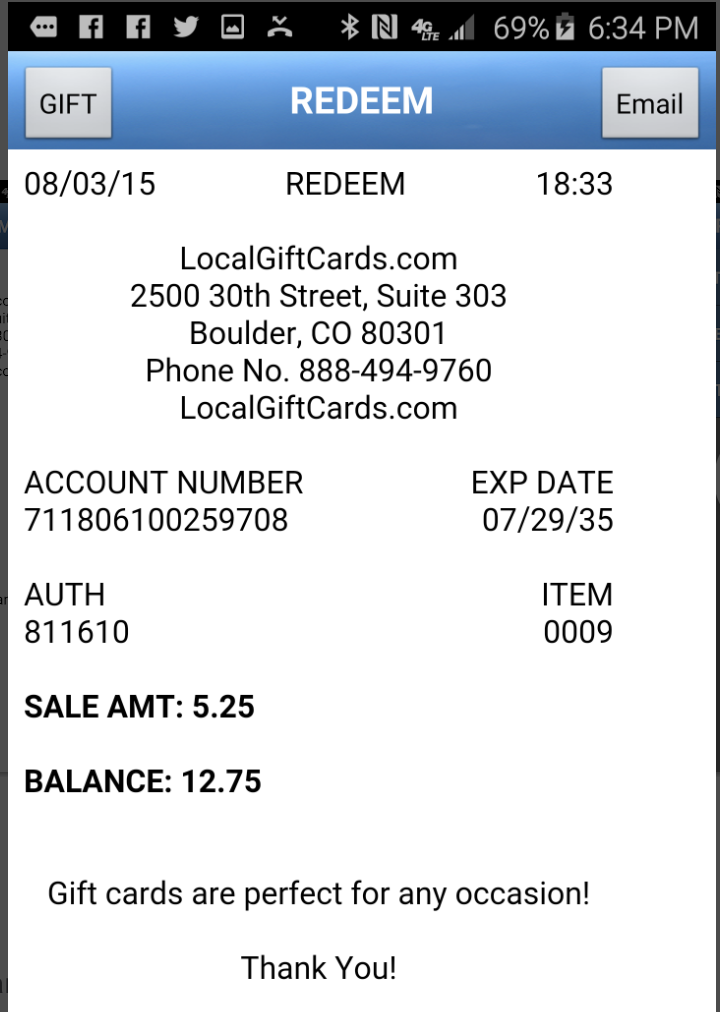
Step 3: Fill in the card number and the amount to be redeemed and select GO>.
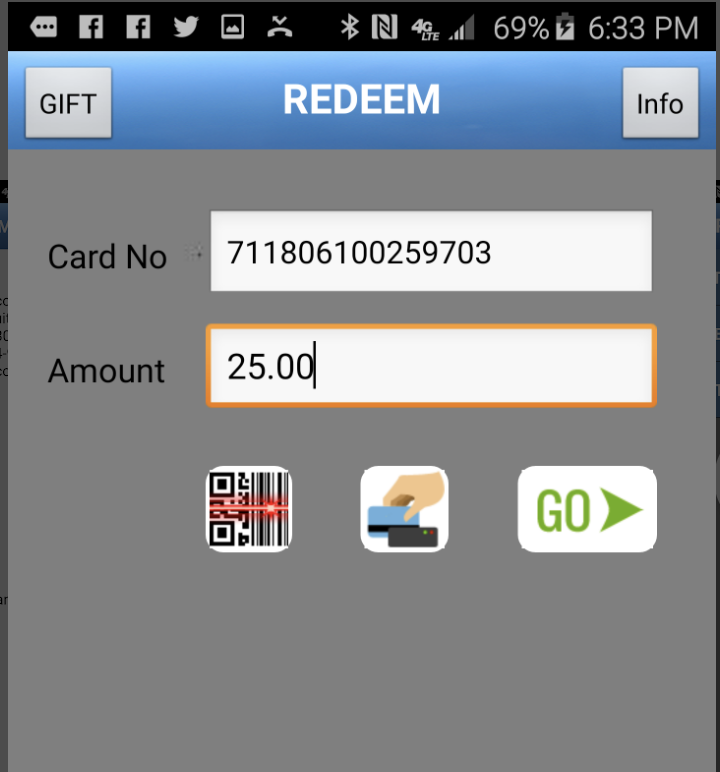
The screen will show the remaining balance on the individual’s card, if any.
Check Card Balances Without a Terminal
1-888-303-1175
Gift Card Redemption FAQs
Find answers to common questions about logging in and redeeming gift cards on Gift La Crosse.
How do I get paid?
How can I redeem a gift card?
As a merchant, you can log in, navigate to the ‘Redeem Gift Card’ section, enter the card number, and follow the prompts to complete the redemption.
Can I check the balance of a gift card?
Yes, you can check the balance by logging into your account and selecting ‘Check Balance’ from the menu or by calling 1-888-303-1175.
How do I see a report of transactions?
Transaction reports are now available for a single merchant location for any single day via WebTerminal.
- You must be signed up for Web Terminal.
- You must use Internet Explorer for it to work.
- Allows you to see transaction reports by day for both gift and loyalty.
- Allows you to view voided transactions.
- Allows you to look up card balances and card history of transactions
Steps:
- Choose ‘Reports’ from the tab on the left on the main page.
- Insert date in format: MM/DD/YYYY
Note: If you would like to use WebTerminal for reporting only and disable transaction processing capabilities:
Log in as an administrator and uncheck the gift and loyalty check boxes under the “Configuration” tab. Important: Once this has been changed it can not be changed back. A new web terminal with a new log in information must be created.
What should I do if I forget my password?
If you forget your password, click on ‘Forgot Password’ on the login page. Follow the instructions to reset your password via email.
Is there a fee for redeeming gift cards?
No, there are no fees associated with redeeming gift cards on Gift La Crosse.
Who can I contact for technical support?
If you encounter any issues, please reach out to our support team using the contact information provided below.
Start Redeeming Gift Cards Today!
Join the Gift La Crosse network and begin redeeming gift cards seamlessly.